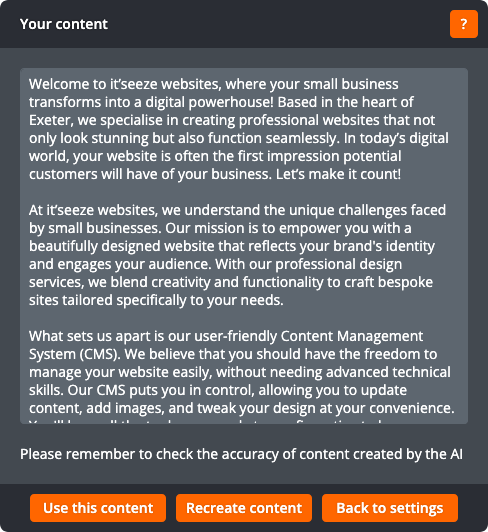
The AI content creator can help you create content for your site. To use it, first click to place the cursor where you want the content to be added, and then click the AI content creator button on the text toolbar:

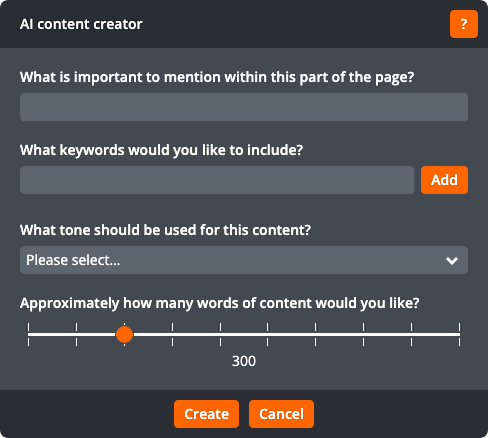
If you haven’t previously used AI on your site, you’ll be asked some questions so the AI can be set up. Once the AI has been set up, you can enter the topic for the content, what keywords should be included (to help with search engine optimisation), the tone to use, and approximately how many words of content you would like:
After clicking Create, the AI will create the content for you. This may take up to a minute. You can then click Use this content to paste the content into the page, Recreate content to have the AI create different content, or Back to settings to change the details you entered during the previous step.