
While editing text, you may need into insert a special character — a character you cannot type on the keyboard. To insert a special character, click the Special characters button on the text-editing toolbar:

This will open the special characters window:
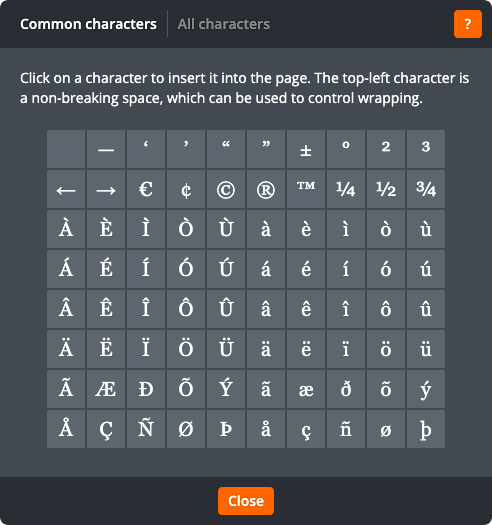
Common characters
The Common characters tab shows commonly used characters such as punctuation, currency signs, and accented letters. Click on a special character to insert it. Click Close to return to the page without inserting a special character.
All characters
The All characters tab shows all of the tens of thousands of characters supported by modern computers:
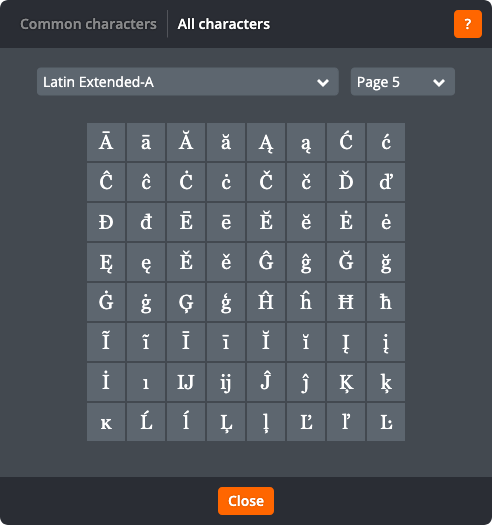
You can browse through the characters using the drop-down fields above the characters. Click on a special character to insert it. Click Close to return to the page without inserting a special character.
