
A page can be moved in two ways: its position in an area of navigation can be changed by reordering the pages, or it can be moved to a different section of the site by changing its parent page.
Reordering pages
Each area of navigation on your site will have an Edit button:

To reorder pages in an area of navigation, click on the appropriate Edit button to open the navigation editing window:
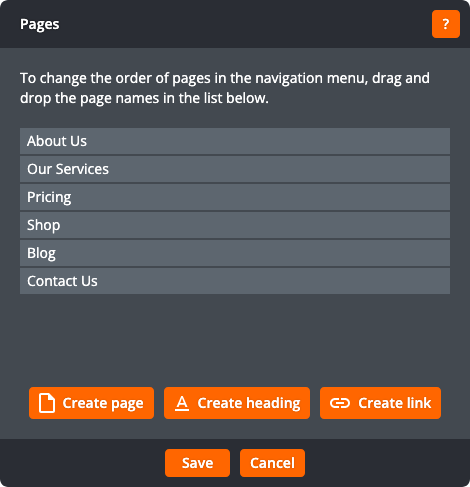
Click on a page name and drag it to change its position. Click Save to save the order of pages. The navigation will then update to show the new order. Click Cancel to return to the page without changing the order of pages.
Changing the parent of page
To change the parent of a page, go into edit mode on the page you want to move, and click the Page details button on the toolbar:

This will open the page details window:
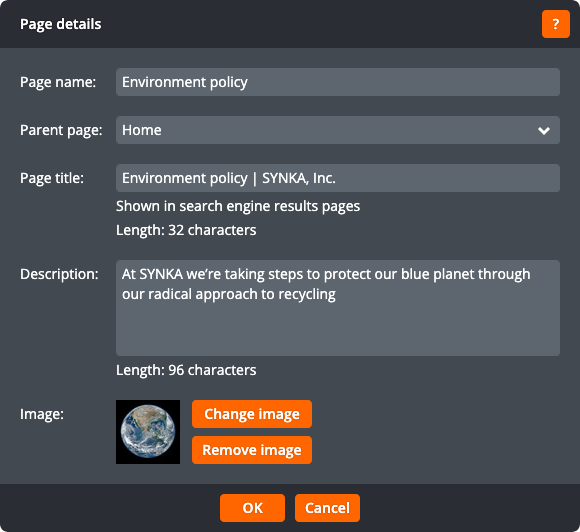
The page details window lets you change the parent page. Note that the home page doesn't have a parent.
Click OK to save the changes to the page details and return to the page. Click Cancel to return to the page without changing the page details.
