
Applicable Packages
Spark Lightning Lightning +Shop
The custom space component, whose option icon is shown below, lets you adjust the space between individual options in a column.

When editing, a dotted line is shown around the custom space component so that you can see where it is.
Editing a custom space component
Click anywhere on a custom space component to open the editor:
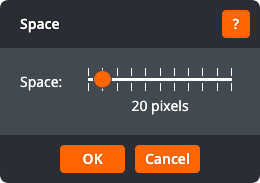
Drag the slider to choose how much space there should be. Click OK to apply the changes to the space. Click Cancel to return to the page without changing the space.
